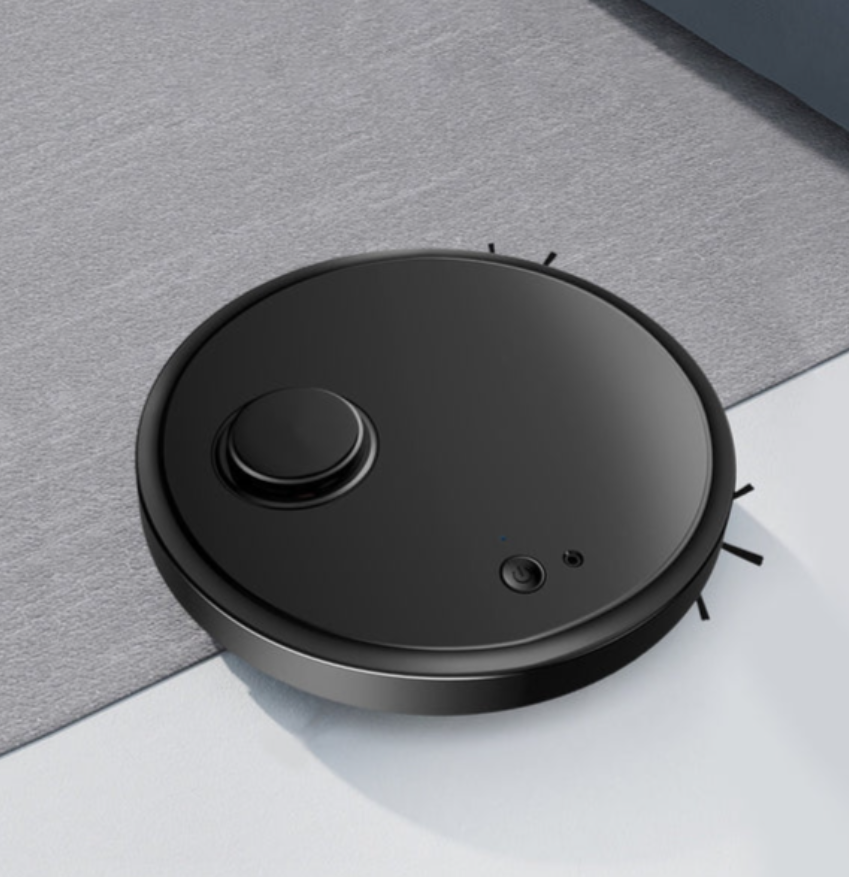
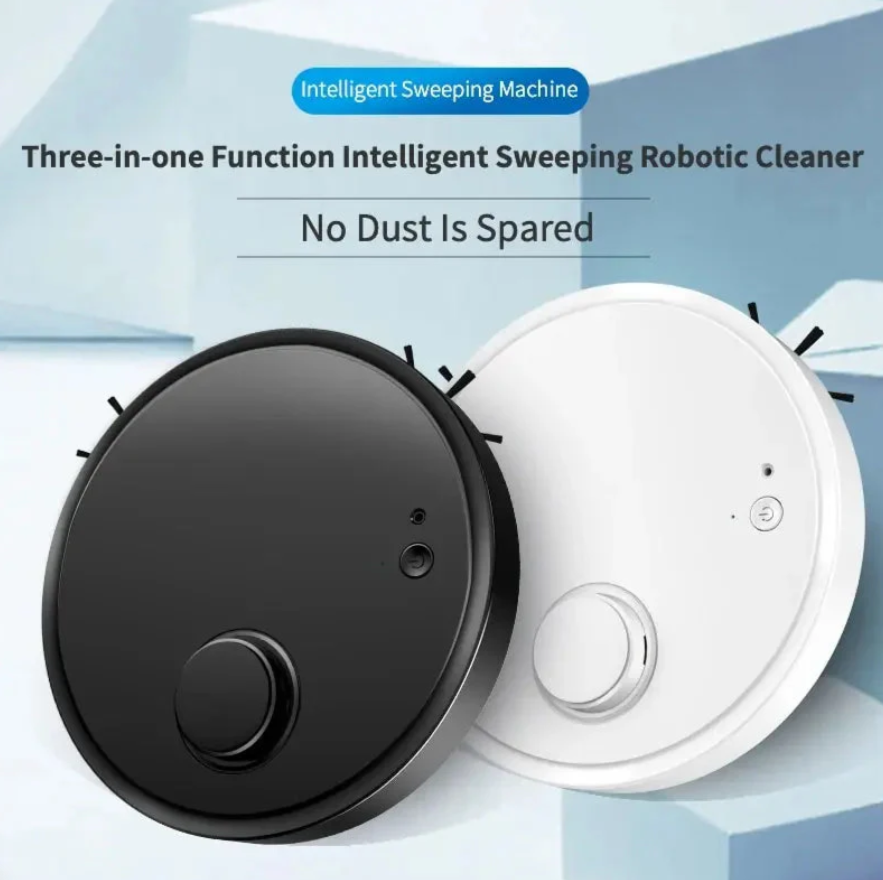
3-in-1 Automatic Robot Vacuum Cleaner
Dhs. 70.00

GCC Delivery
Secure Checkout
Easy Returns
Customer Support

SMART FINDS FOR EVERYDAY
Discover clever products that make everyday life easier.

Make everyday tasks quicker and simpler.
A compact design that fits neatly anywhere.
Thoughtful details make getting started simple.
Reliable comfort and convenience, day after day.
Thoughtfully selected essentials and discoveries for everyday life.
Quality picks at considered prices, made to fit your budget.
A shopping experience thoughtfully tailored to our region.
Here to make every step of your shopping journey easier.
Shop with confidence through a protected checkout experience.
Thoughtful finds for everyday
Discover clever products that make everyday life easier, wherever life takes you.

Smart finds for everyday
Discover clever products that make everyday life easier.

MYKARTMART SELLER GUIDE
Bring your product catalog into Shopify using a spreadsheet formatted to Shopify's product CSV requirements. Review the preview carefully before you confirm the import.
Use Shopify's product CSV format or download its sample template. Match the column headers exactly and check product handles, variants, prices, inventory, and image URLs.
In Shopify admin, go to Products and select Import. Add your completed CSV file to begin.
If the file contains products that already exist, choose whether to overwrite existing products. Check this option only when replacing product details is intended.
Select Upload and Preview. Review the product and variant information, correct any CSV issues, then complete the import.